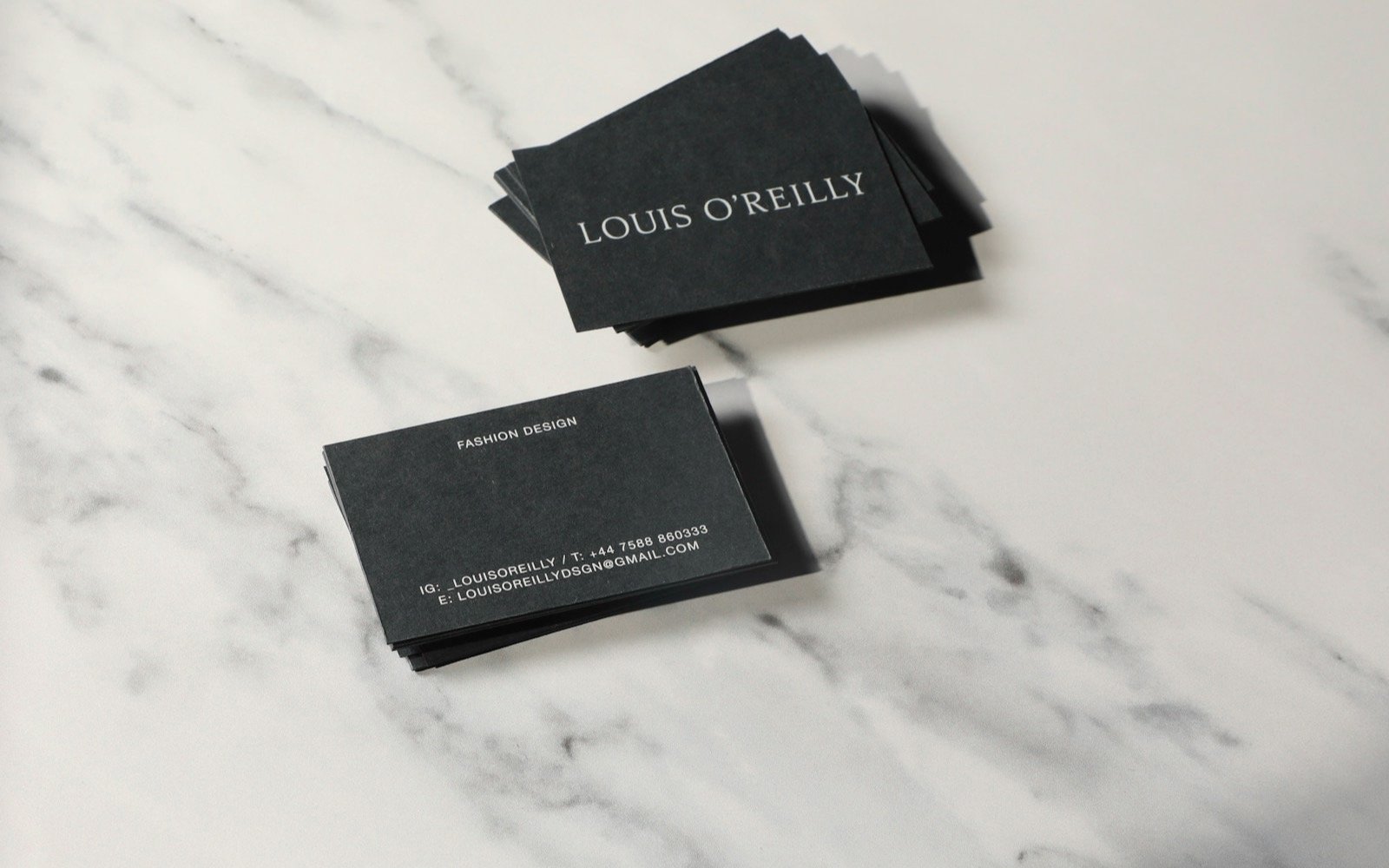
An NFC business card is a card with a passive chip that stores a link or a contact and that a phone reads when brought close, with no battery or app. A widely used chip, NXP's NTAG215, offers 504 bytes of user memory according to its datasheet, and iPhone XR, XS and later read it automatically according to Apple. That's enough to hand over your website, your WhatsApp or your contact card in a second. Here is how it works, what to store on it, and when it beats a printed card with a QR code.
How it works, in three steps
- The chip has no battery. It is activated by the phone's magnetic field when you bring it within a few centimeters.
- The phone reads the stored record, normally a link or a contact card in a standard format.
- The screen shows a prompt to open the page or save the contact. The person taps and that's it; they install nothing and create no account.
iPhone and Android: what to expect
On iPhone, Apple states that XS and later models read NFC tags in the background, without opening any app. On iPhone 7, 8 and X the reader is turned on from Control Center. On Android, NFC has to be on in Settings. The antenna sits in a different spot depending on the model; if it doesn't read on the first try, moving the phone slightly fixes it.
What to store on the card
- A link to your personal or business page. It's the most flexible option: you change the page and the card keeps working.
- A direct WhatsApp link with a pre-written message, so people can message you without saving your number.
- A short contact card (name, phone, email). It fits, but without a photo or long notes, because of the chip's memory limit.
The practical recommendation is to write an intermediate link that you control. That way, if you change phones, pages or offers, you don't reprint or reprogram anything.
NFC or a printed card with a QR code
| Criterion | NFC card | Printed card with QR |
|---|---|---|
| How it's used | Tap the phone against it | Open the camera and point |
| Printing needed | Just the design; the data lives in the chip | The code is printed on the card |
| If the phone is old | May not have NFC | Almost any camera can read it |
| Cost per unit | Higher: chip and material | Low: paper |
| Changing the destination | Possible with an intermediate link | Possible only if the QR points to an intermediate link |
The best approach is to combine them: an NFC card with a QR printed on the same side. Anyone without NFC scans the code, and anyone with it taps their phone. That covers nearly everyone, and the card never ends up useless.
What it costs
A blank card costs little, but the value is in the design, the engraving and the configured link. As a reference, in our guide to NFC plates for businesses an already programmed plate runs 350 to 900 pesos, and drops when you order several. By our estimate, a card falls in a similar or lower range, depending on material and volume. For a personal card, the sensible thing is to ask for the total price with design and setup included, not just the price of the card.
When it makes sense and when it doesn't
- It makes sense if you present your services in person (sales, health, real estate, events) and want people to remember you with a different gesture.
- It makes sense if your information changes often and you don't want to reprint.
- It doesn't make sense if you hand out hundreds of cards to strangers: the per-unit cost gets high compared with paper.
- It doesn't make sense if your destination link is weak. An NFC card that opens a slow or confusing page looks worse than a paper one.
At Elevalia
With our NFC solutions service we design, write and configure cards and plates with an intermediate link, so you can change the destination without touching the piece, starting at $2,990 MXN.