Organize your day
and every project, online
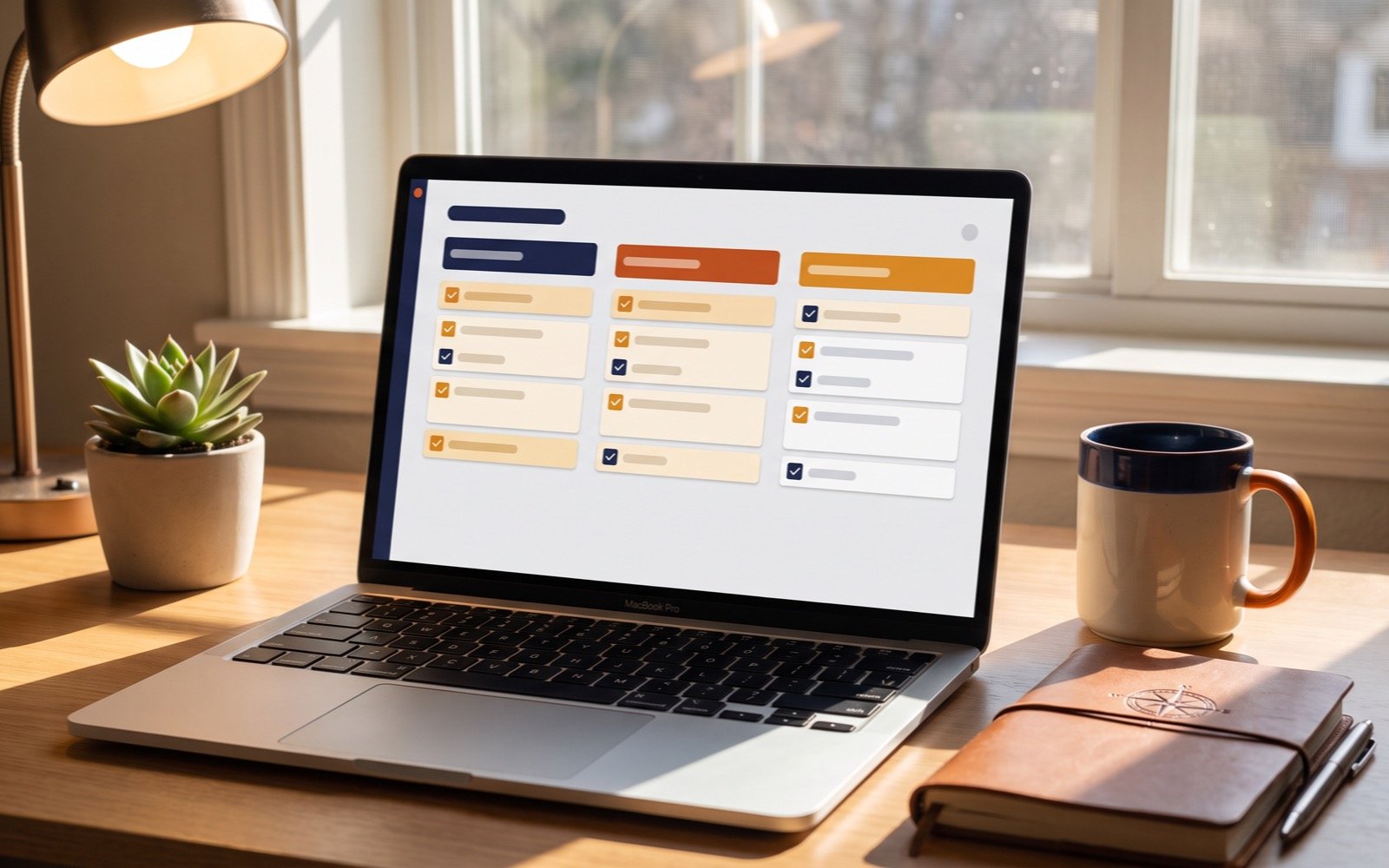
A visual task panel that lives inside Elevalia: organize your to-dos by groups and projects, from any browser, with your data always available online.
After paying, message us on WhatsApp with your receipt and email to activate your access.
One-time payment. Lifetime access.
Who is DeskFlow for?
All on the web
Works inside Elevalia. Nothing to install or download.
Sign in with your email
You sign in with the email we registered after your purchase.
Unlimited groups
Organize as many lists, categories and projects as you need.
Always available
Your tasks are saved online, ready whenever you sign in.
Visual panel
A clear view by group, so you see what comes next at a glance.
Updates included
Future improvements at no extra cost.
What's included?
$499 MXN
Reference: $27 USD
One-time payment · Lifetime access
After paying, message us on WhatsApp with your receipt and email to activate your access.
Access: your registered email and a PIN you create
After you buy, we add your email to the Elevalia server. When you sign in, the site checks your email against the buyer registry, then asks for a four to eight digit PIN that you choose the first time. The PIN is verified on the server, so your tasks stay protected even if someone else knows your email, and you enter it again whenever you open the panel on a new device. If you forget it, we reset it over WhatsApp and you choose a new one at your next sign-in.
Groups, sections and tasks: the structure inside
There are three levels. A group is the big container: a client, a project, an area of your life. Inside each group you can create named sections to separate lines of work, and tasks go inside the sections. Each task can have a due date and a location, both optional, so the date is just a property of the task and not what orders the whole panel. Groups scroll side by side in a carousel, so you can see which one is overloaded and which has been stalled for days. There are also note-type groups, for free text that is not a task yet.
The real limits of living in the browser
Living in the browser has a cost, and we would rather say it up front. DeskFlow needs an internet connection: your session is validated on the server, and the local copy is a backup, not an offline mode, so without internet you cannot work or sync changes. It is also not a native iOS or Android app, so there are no push notifications or lock-screen reminders. And it is a personal panel: no Gantt charts, task dependencies or assigning work to teammates. In exchange, it takes up no disk space, asks for no system permissions and never leaves an old version installed.
One-time payment of $27 USD versus free options
$27 USD is a one-time payment, not a monthly fee. The fair comparison is not another paid tool but the free ones: Google Tasks, Microsoft To Do and the free Trello plan cover the basics at no cost, and pretending otherwise helps nobody. DeskFlow makes sense if you already use Elevalia, if you like a group view without opening yet another account, and if it bothers you that a to-do panel charges you every month for years. If none of that matters to you, the free options are a perfectly good choice.
Frequently asked questions
Do I need to download or install anything?
No. DeskFlow runs entirely inside Elevalia, in your browser. There is no file to download.
How do I sign in to DeskFlow?
After you buy, we register your email, and you sign in to DeskFlow on the web with it.
How many task groups can I create?
No limit. Create as many groups, categories and projects as you need.
Are my tasks saved?
Yes. Your tasks and groups are saved online and are there every time you sign in with your email.
Ready to get DeskFlow?
Pay with Mercado Pago, or if you already bought it, message us on WhatsApp to get your access.
After paying, message us on WhatsApp with your receipt and email to activate your access.