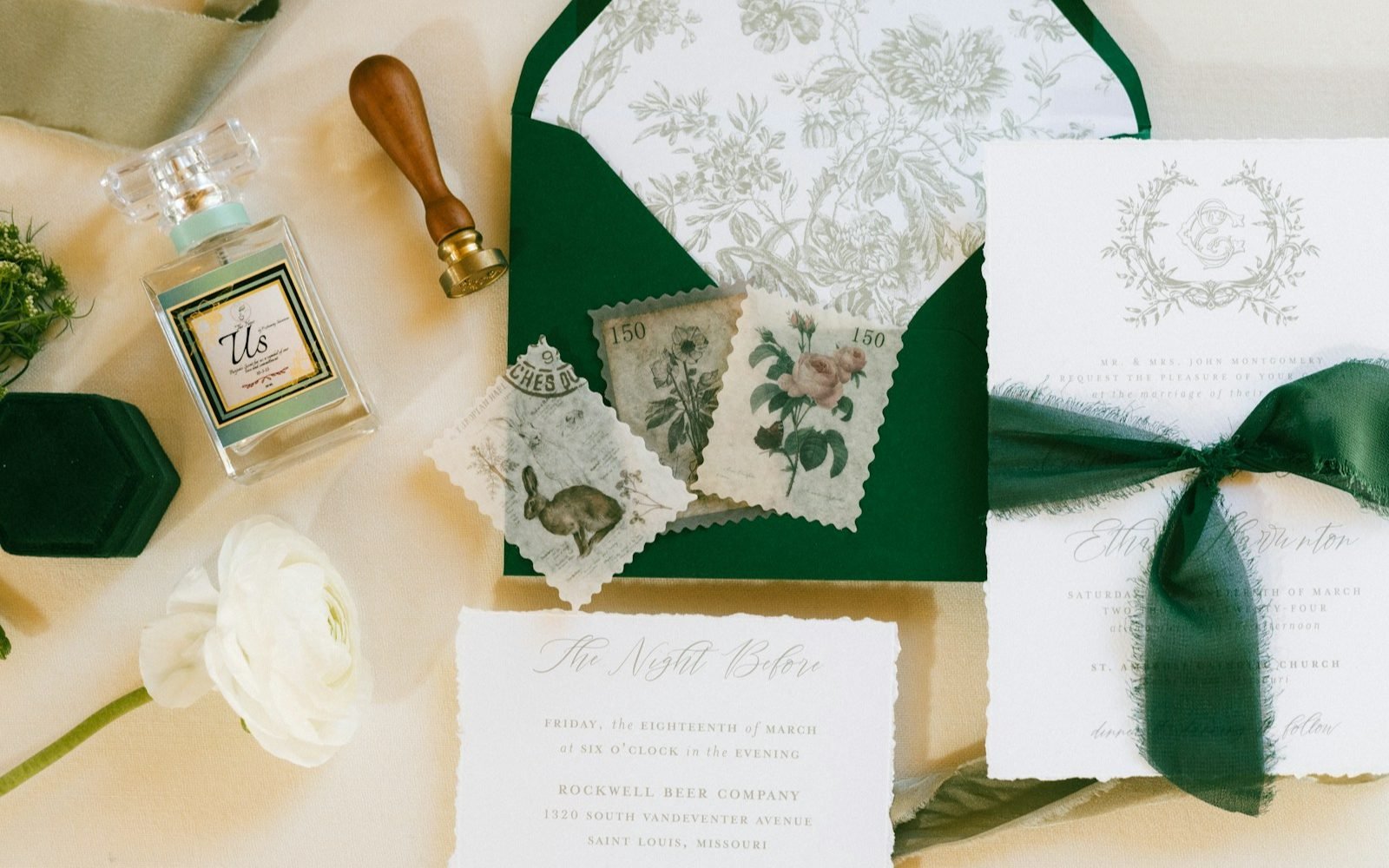
A digital wedding invitation by WhatsApp is a web page sent as a link: the guest taps it, sees the event details on their phone and confirms attendance right there. Nothing to install, and it isn't replacing the paper invitation because it's trendy. It's because nearly all your guests already receive and reply through WhatsApp. Here's what it should include, how RSVPs arrive and what it costs in Mexico.
Why WhatsApp instead of email or a printed card
The channel decides how many people open the invitation. An email gets lost among promotions, and many guests never check it. A paper card arrives late, gets misplaced and leaves no record of who confirmed. WhatsApp is where your guests already are: the link arrives, they open it in seconds and reply without switching apps. That change of channel alone raises the share of people who see the invitation and actually confirm.
What an invitation needs to actually work
- Date, time and names, with a countdown so nobody forgets the day.
- A location map that opens straight in Google Maps or Waze, with no copying addresses by hand.
- An RSVP button with fields for plus-ones, children and dietary restrictions.
- Dress code and, if relevant, a gift registry or bank transfer details.
- The event schedule: ceremony, reception and any change of venue.
- Music, photos and a design that looks good on a vertical phone screen.
Where the RSVPs go
This is the most underrated point. When a guest taps "confirm," their reply doesn't stay in a chat: it's recorded in one place you set up before publishing, usually a spreadsheet or a dashboard with every name. That's where the exact number you give the caterer comes from. The fields are built around what you need to count: how many are coming, whether they're bringing kids, whether anyone has a restriction. Having everything together saves you from chasing loose confirmations scattered across dozens of conversations.
No tool guarantees that a hundred percent of your guests will reply. What the invitation does is make follow-up easy: you can see who's missing and resend the reminder to just those people.
Self-serve template or your own page
Self-serve platforms hand you a shared template: fixed typefaces, sections in an order you don't choose and, on free tiers, almost always the provider's branding on your page. They work if your event is simple and you don't mind it looking like others. With your own page, you decide which sections exist and in what order, it's built around your event, and it carries no outside ads. The other difference is support: if something is missing after you've already sent the link, there's someone to write to instead of fixing it yourself in the middle of your wedding.
| Free template | Your own page | |
|---|---|---|
| Design | Shared, not very flexible | Tailored to your event |
| Third-party ads | Common on the free version | None |
| RSVPs | Basic or limited | Fields you define |
| Support | Forums or nothing | Someone you can write to |
What it costs in Mexico and what moves the price
Self-serve templates run from free to a few hundred pesos, with the limitations above. A custom-built digital invitation runs between $2,000 and $6,000 MXN depending on how many sections it has, whether it includes RSVPs and whether you want your own domain. What moves the number isn't the "pretty design" but how much logic sits behind it: recording RSVPs, grouping plus-ones and keeping everything in one place costs more than a static page with the date and the map.
When to order if your event already has a date
The first version is usually ready in 7 to 12 business days, counted from when you hand over the information and photos, not from when you reserve the service. Those are business days, so on a real calendar that's about two and a half weeks. If you also plan to close RSVPs a month before so you can give the caterer a final number, the countdown is simple: the event date, minus your RSVP window, minus the production time. With two months of lead time you have room to review the text without rushing.
At Elevalia
We make digital invitations that are published and ready to send by WhatsApp, with RSVPs that land in one place, a map, a countdown and one round of tweaks before it reaches your guests. The service starts at $3,990 MXN and includes the complete invitation; a custom domain is quoted separately and stays in your name. See the details on our digital invitation service.